Nearby discovery
Finds trusted peers on the local network automatically, without an account system in the middle.
 Clipp
GitHub
Clipp
GitHub
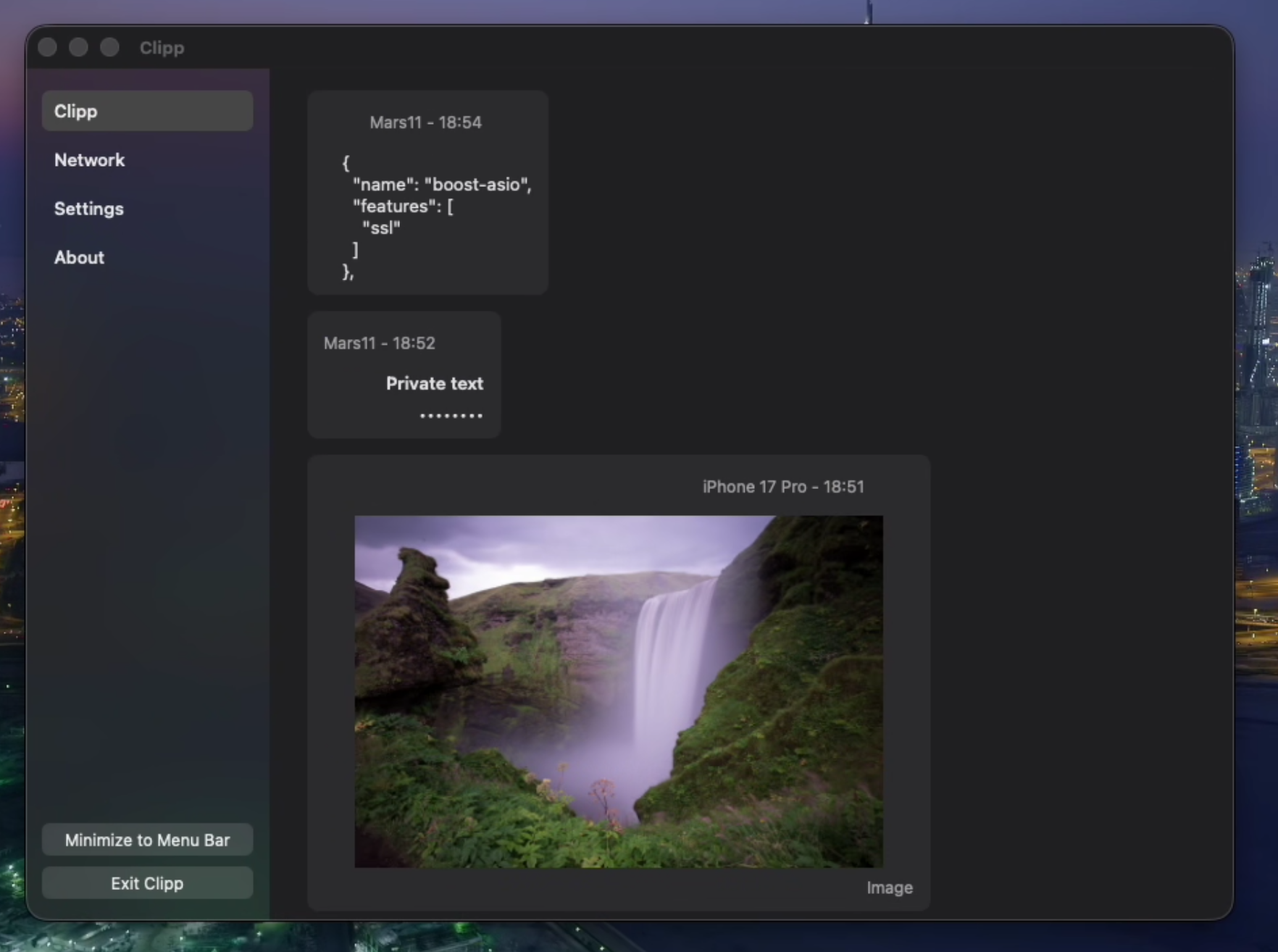
Clipp synchronizes the clipboard between your Windows, macOS, iOS, and Linux devices without routing it through someone else's cloud.
Security model
Clipp is built for your own devices on your LAN or a trusted VPN.
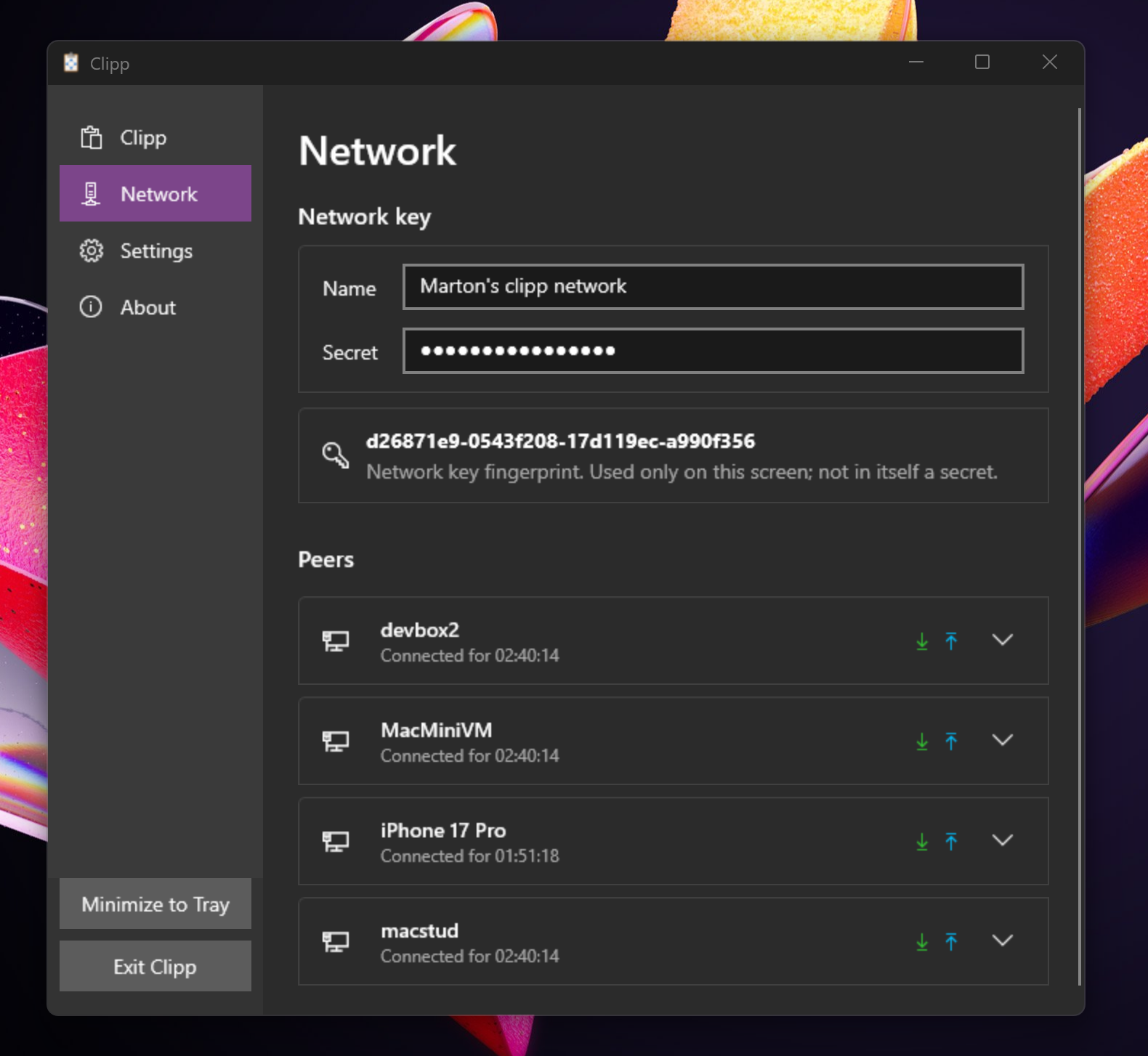
Devices join the same Clipp network with a shared group name and secret. Open source cryptography built on trusted libraries, fully auditable source with digital signatures and GitHub attestation.
Read more here.
Finds trusted peers on the local network automatically, without an account system in the middle.
Sends clipboard data peer-to-peer over encrypted TCP connections after an authenticated handshake.
Keeps recent clipboard activity local your Clipp network and never communicates with remote servers of any kind.
Download
Static linking, native UI, a couple of megabytes in size. No giant frameworks, trackers, or telemetry.
Download manually
or quick install via PowerShell
> irm https://clipp.net/install.ps1 | iex
Windows 10 (1809) or later, 64-bit only
macOS 14 or later · Apple Silicon only.
Open the .zip file after downloading and drag Clipp to your Applications folder.

iOS 17 or later · free on the App Store
Download manually
or quick install
$ curl -fsSL https://clipp.net/install.sh | sudo bash
Terminal client only (clipp key set then clipp copy / paste) · glibc 2.31+ · needs avahi-daemon
Tip: install with your package manager so Avahi is pulled in — e.g. sudo apt install ./clipp-linux-amd64.deb. Full instructions →